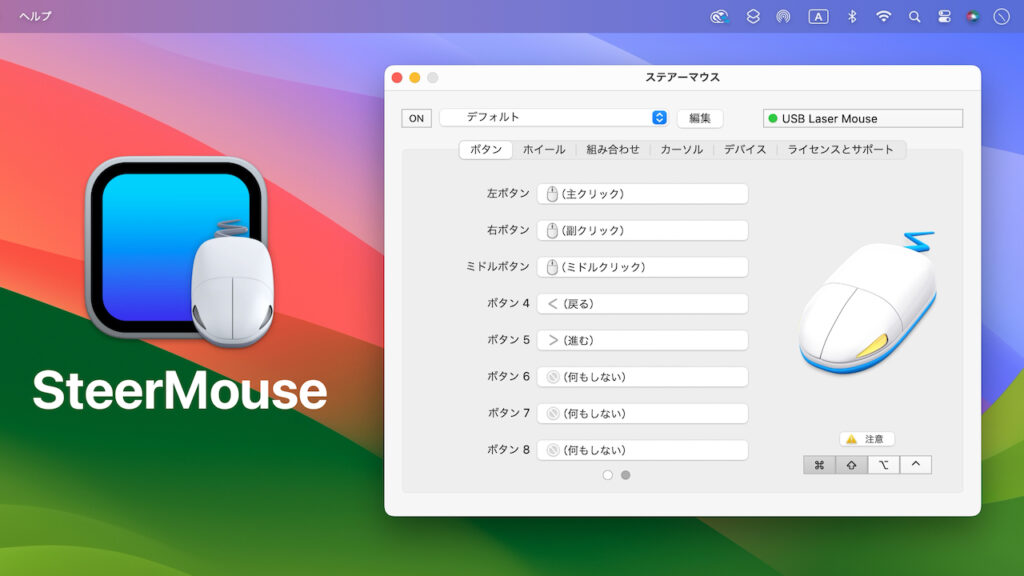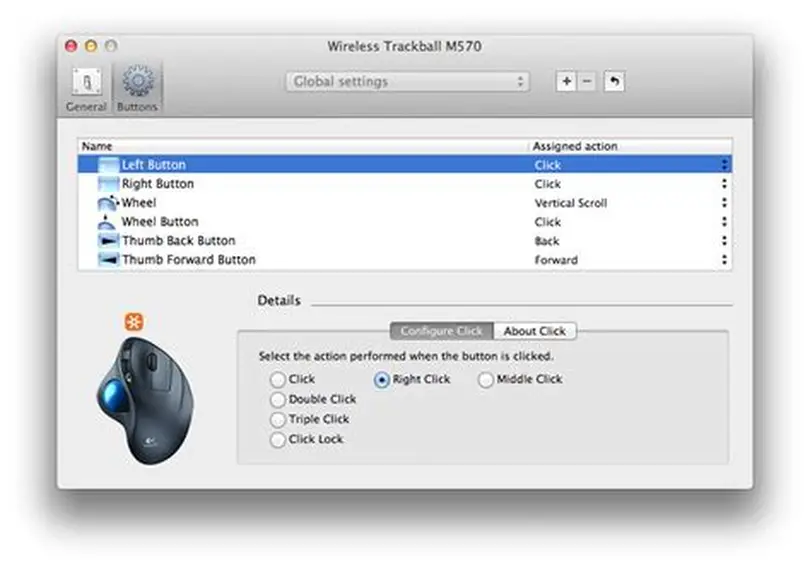
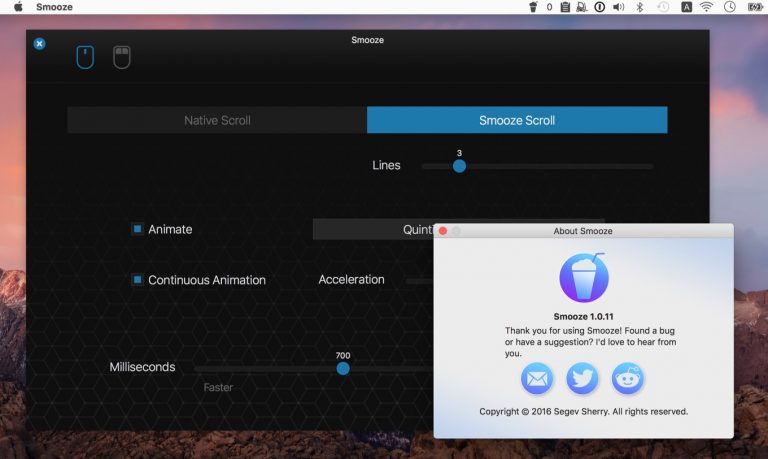
For macOS users, mouse customization can often feel limited. Apple provides sleek and minimal options that suit the average user, but professionals, gamers, and power users frequently demand much more. Whether it’s configuring extra mouse buttons, disabling cursor acceleration for better aim in games, or fine-tuning scrolling speed for large spreadsheets, the built-in macOS settings simply don’t cut it.
That’s where SteerMouse enters the conversation. This third-party utility has built a reputation for delivering precise control over mouse functions. Designers, coders, gamers, and accessibility users alike rely on it to tailor their experience to exact needs. Yet one of the most common questions potential users ask before trying.
The answer is not as simple as yes or no. SteerMouse is not freeware, but it does offer ways to test its features before making a purchase. This comprehensive guide explores the availability of trial versions, the differences between free and paid use, the features you can expect, and whether the investment is worth it for your workflow.
SteerMouse Pricing Model
Paid Software with Trial Option
SteerMouse is a paid application for macOS. It is not permanently free, nor is there a “lite” or restricted free version. However, the developers understand that users want to test the product before spending money. To address this, SteerMouse includes a fully functional free trial period.
Trial Length and Limitations
Typically, the trial lasts for 30 days, during which users can explore all the core functionalities. Unlike many apps that limit features during the trial, SteerMouse provides access to its complete feature set. This ensures that potential customers can evaluate whether it integrates well with their devices and workflows.
One-Time Purchase License
After the trial ends, a one-time license fee is required to continue using the software. This model appeals to many users because it avoids recurring subscriptions. Updates for new macOS versions are usually included for a long period, making the license a valuable investment.
What Features Are Available During the Trial?
Full Access to Button Customization
During the trial, users can assign custom functions to extra buttons on their mouse. These functions include:
- System shortcuts such as Mission Control or Exposé
- Application-specific actions like copy, paste, or save
- Multimedia commands such as volume and playback control
- Complex macros combining multiple key sequences
Cursor and Scrolling Adjustments
Users can also experience the benefits of precise cursor acceleration control and per-app scrolling customization. This feature is especially helpful for creative professionals or gamers who want fine-grained control over movement and navigation.
Unlimited Testing Across Devices
The trial does not restrict the number of devices. You can test SteerMouse with any USB or Bluetooth mouse supported by macOS. For users with multiple devices, this is particularly useful to ensure compatibility.
Why a Trial Instead of a Free Version?
Quality Assurance
SteerMouse is developed by an independent developer who continuously updates the software to maintain compatibility with Apple’s frequent macOS changes. Offering a trial rather than a permanent free version allows the developer to fund ongoing updates and bug fixes.
Sustainability of Development
Unlike large corporations, smaller developers rely on licensing fees to sustain projects. A one-time fee ensures that customers contribute to the product’s future while still having a chance to test it beforehand.
Serious User Base
By offering a trial instead of a free tier, SteerMouse targets users who genuinely need advanced customization. This approach prevents the market from being flooded with casual users who may never invest in the product.
How to Activate the Trial
Download from the Official Website
The trial is available directly from the official SteerMouse website. Downloading from third-party sites is not recommended, as it may pose security risks.
Install and Grant Permissions
Once installed, SteerMouse requires permissions under System Settings > Privacy & Security. These include accessibility and input monitoring permissions. Without enabling them, features will not function correctly.
Automatic Trial Activation
The trial activates automatically upon installation. There is no need to enter a serial key or sign up for an account. After 30 days, the software will prompt you to purchase a license if you wish to continue.
What Happens After the Trial Ends?
Limited Functionality or Expiration
After the 30-day period, SteerMouse will stop functioning fully until a license is purchased. Some features may become disabled, while others will cease entirely.
License Purchase Options
Purchasing a license is straightforward. Users receive a license key via email, which must be entered into the software to unlock permanent access.
Continued Updates
One-time license fees include access to future updates for a substantial duration. While major macOS overhauls may eventually require a new license upgrade, most users enjoy several years of updates under a single purchase.
Pros and Cons of Trial vs. Free
Advantages of Trial
- Full access to all features for evaluation
- No restrictions during the trial period
- Helps users confirm compatibility with their specific mouse
- Encourages active support and development
Disadvantages of No Free Version
- Users who want free customization must look elsewhere
- Once the trial ends, a license purchase is mandatory
- May feel costly compared to freeware alternatives
Alternatives Offering Free Versions
USB Overdrive
USB Overdrive is another popular macOS mouse customization utility. While not free, it sometimes provides extended trial versions. It offers solid customization but is less feature-rich than SteerMouse.
BetterTouchTool
BetterTouchTool offers a limited free trial followed by a paid license. While not completely free, it expands beyond mice, allowing customization for trackpads, gestures, and keyboards.
ControllerMate
ControllerMate is extremely powerful, though it is more complex to use. It is not free either, but it provides advanced scripting and modular controls for users who want deep customization.
True Free Options?
For users strictly looking for free software, options are limited. Most advanced macOS customization tools require payment due to the complexity of development and maintenance. However, basic system tweaks and open-source tools exist, though they rarely match the polish of SteerMouse.
Common User Questions About the Trial
How long is the SteerMouse trial?
The standard trial lasts for 30 days.
Are features limited during the trial?
No, all features are fully available for testing.
Do I need to enter payment details for the trial?
No, the trial activates automatically with no credit card required.
Can I reinstall the trial after expiration?
Reinstalling will not reset the trial period. Once expired, a license is required.
Is there a student or discounted version?
Sometimes developers offer discounts during promotions, but there is no permanent student edition.
Who Should Use the Trial Before Buying?
Gamers
Gamers can use the trial to test whether disabling acceleration provides smoother aiming and control.
Designers and Creative Professionals
Graphic designers, video editors, and illustrators can confirm whether fine-grained cursor speed adjustments meet their needs.
Accessibility Users
Individuals with mobility challenges can evaluate whether button customization reduces strain.
General Users Curious About Control
Even casual users benefit from testing whether advanced scrolling or shortcuts improve their workflow.
Conclusion
SteerMouse does not offer a completely free version, but it does provide a fully functional 30-day trial. This trial includes all features, button customization, cursor acceleration control, and scroll tuning—without restrictions. After the trial ends, a one-time license purchase is required to continue.
This approach balances user needs with sustainable development. It ensures that anyone can test SteerMouse in their workflow before committing financially. For professionals, gamers, and accessibility users seeking precise control over their mouse, the trial is more than enough to evaluate its value. While free alternatives are scarce, SteerMouse continues to stand out as a powerful, polished, and dependable solution for macOS mouse customization.